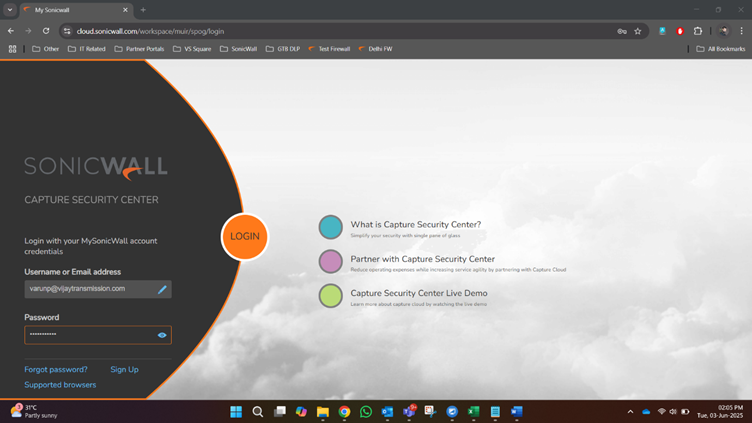
Go to this link and enter MySonicWall credentials:
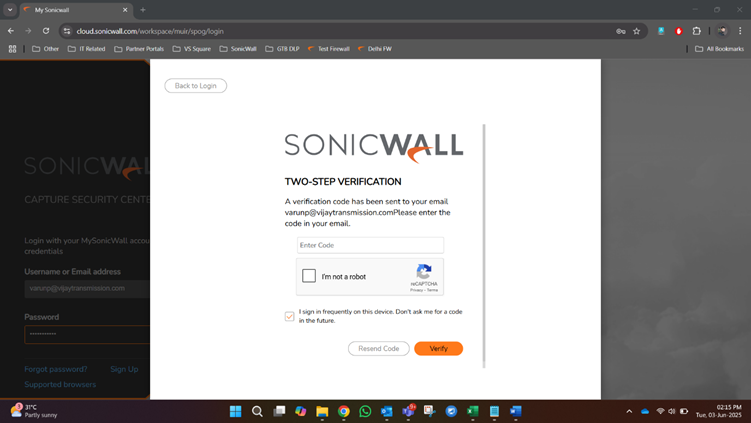
Enter the OTP received to the registered email ID:
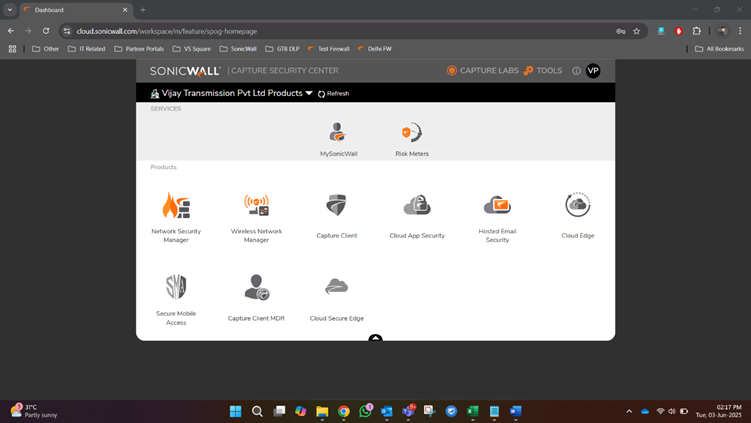
Open Hosted Email Security:
Go to Investigate

Go to Overview > Junk Box to find a list of emails blocked as junk and likely spam


Prepared by Pradeep Pirdankar
Was this article helpful?
That’s Great!
Thank you for your feedback
Sorry! We couldn't be helpful
Thank you for your feedback
Feedback sent
We appreciate your effort and will try to fix the article